Lux Meter
What is a Lux Meter?
A Lux Meter is a scientific instrument used to measure the intensity of light (illuminance) in an environment. The measurement unit used is "lux", which represents one lumen per square meter.
Experiment: Measuring Light Intensity
Learning Objectives
To measure and compare the intensity of different light sources using your device's built-in light sensor.
Materials Required
- Your Phone or Computer
- The PSLab App installed
Procedure
- Open the PSLab app.
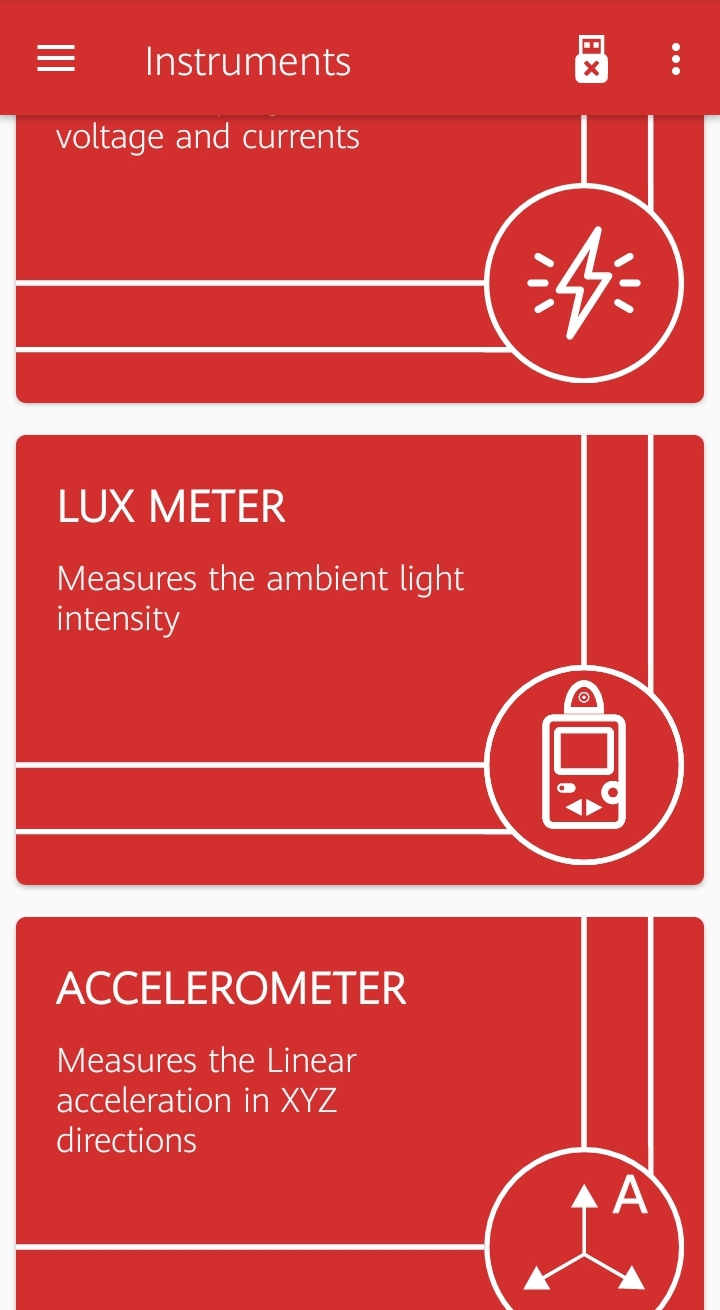
- Navigate to the Instruments section and select the Lux Meter.
- You will immediately see a graphical representation as well as a numerical readout of the current light intensity (lux).
- Bring your device near different light sources (e.g., a yellow incandescent bulb, a white LED, natural sunlight, or a monitor screen).
Locating your Sensor
On smartphones, the ambient light sensor is usually located on the front of the device, right next to the front-facing camera or the ear speaker. Make sure not to cover it with your hand!
Observations
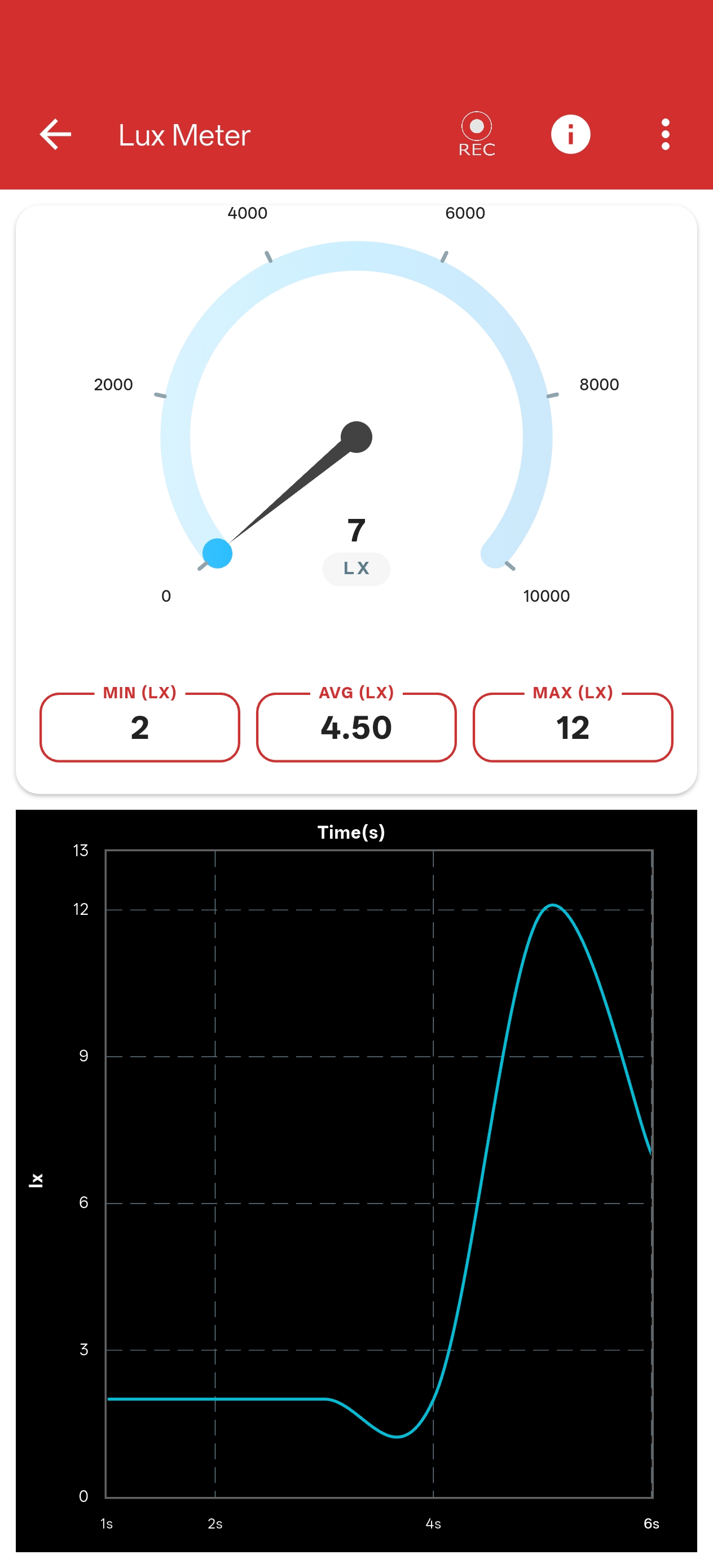
- As you move the device closer to a light source, the lux reading will increase sharply.
- Different types of light bulbs (even of the same perceived brightness) may produce distinctly different lux values.
- You can easily observe these dynamic changes in real-time on both the scrolling graph and the analog-style meter.
Conclusion
The PSLab Lux Meter accurately utilizes your device's light sensor to provide real-time illuminance readings, allowing you to reliably compare the intensity of various light sources.